
The Services section of your Google Business Profile can look like a lot to fill out.
Knowing where to begin and how to organize it makes the process much more manageable.
When someone searches Google for a service, your Google Business Profile is one of the places Google can use to understand whether your business offers it.
That makes the Services section worth filling out carefully.
Before you start adding services, take a closer look at how they should be organized, described, and presented.
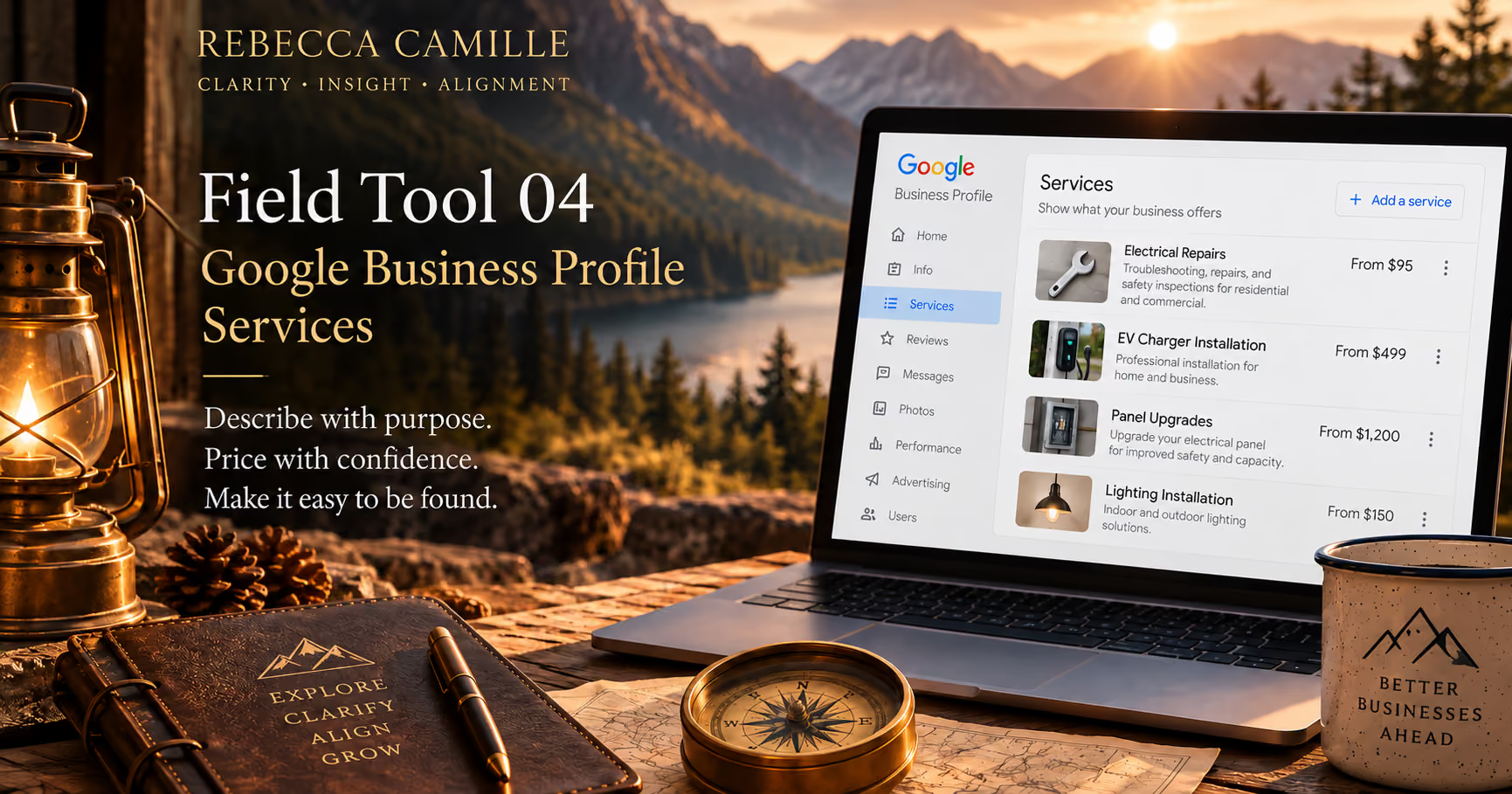
Your Google Business Profile has one primary category and may have additional categories.
In the Services section, those categories organize the services your business provides.
Start with the primary category. Under it, Google provides an Add more services option. Use it to review and add the services that belong to that category.
Then work through each additional category the same way.
Google may suggest services based on the business category.
That doesn't mean your business provides all of them.
A suggested service may fit perfectly.
Another may be related to your category but have little to do with the work you actually perform.
Only add services your business actually provides.
An incomplete service list creates a different problem.
A business may carefully describe an important service on its website while leaving it completely absent from its Google Business Profile.
This is where comparison matters.
Compare the services listed on your Google Business Profile with the services shown on your website.
What does the business provide that the profile never says it provides?
Those missing services may be more important than adding another variation of something already represented.
A service name may make perfect sense to you or others in your industry and still mean very little to a prospective customer.
Use service names that clearly communicate what someone can expect.
When a description is available, use it to clarify the service rather than simply repeating its name.
Specific doesn't have to mean complicated.
A customer should not need to decode the service before deciding whether it fits what they need.
A service name may not tell someone everything they need to know.
Use the description to explain what the service includes or clarify details that aren't apparent from the name.
Google gives you up to 300 characters, so keep it focused on the service itself.
You can also add pricing information.
Google lets you choose No price, Free, Fixed, or From, depending on how the service is priced.
A customer who finds the service they need, understands what it includes, and is comfortable with the price may just book.
If online booking is set up on the Business Profile, they have a way to move from finding the service to booking it right from the profile.
That booking path can also be measured.
When tracking is set up properly, the path from the Business Profile to the booking platform can show whether someone who clicked to book went on to complete the action.
That turns the booking link into more than a convenience for the customer.
It becomes another trail the business can follow.
Once the services are filled out, check whether the rest of the business tells the same story.
Look at the website and the booking platform, if there is one.
Compare the services and language you find.
Does the same service appear under different names?
Does the profile list a service the website doesn't mention?
Does the website feature a service that's missing from Google?
Does the booking platform offer services that aren't represented in either place?
When your services align across the profile, website, and booking platform, both Google and prospective customers get a clearer picture of what your business offers.
A completed service description and accurate pricing give Google more information to understand the offering, give the customer more information to make a decision, and can shorten the path from searching to booking.
Don't fill the service list just because Google gives you the space.
Use it deliberately.
The services shown on a Google Business Profile are one part of how a business presents what it offers.
A Clarify Assessment looks across the business to see whether those pieces support what the business actually provides and where it wants to go.
Choose how this site remembers your preferences.
These cookies help us identify the most useful paths for visitors, allowing us to enhance the user experience while protecting your privacy.