
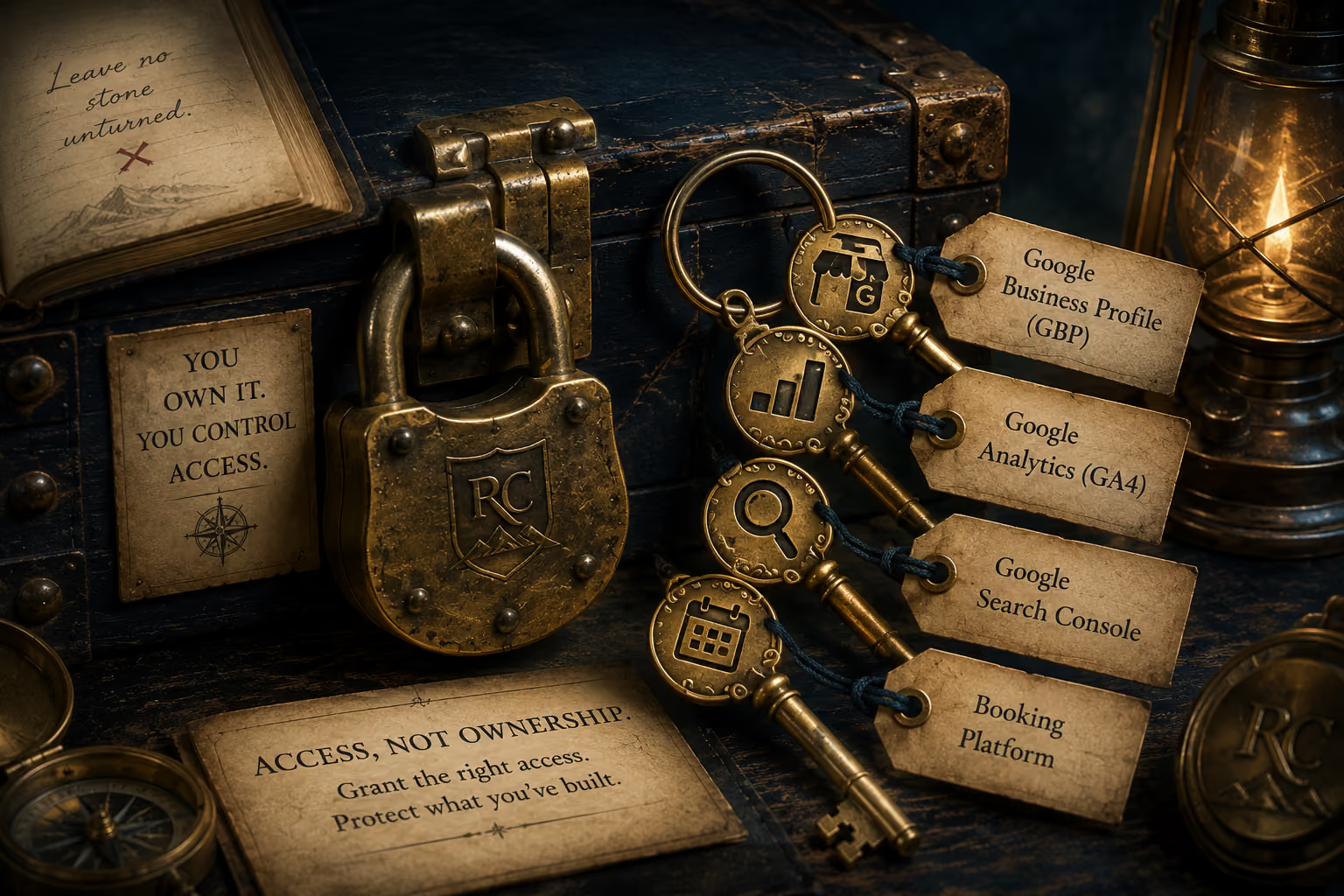
When someone needs access to your website, Google Business Profile, Analytics, Search Console, or booking platform, you don't need to share your password.
Learn how to give access to the business assets they need while keeping ownership and control of what you've built.
A new name doesn't erase the history of the business behind it.
Someone helping with your website, search visibility, analytics, booking system, or Google Business Profile may need access to parts of your business online.
That does not mean they need your password.
Many of the platforms your business relies on allow you to add another person with their own login and control what they are allowed to access.
Your website, Google Business Profile, Google Analytics, Google Search Console, and booking platform are valuable business assets.
They may contain customer information, reviews, performance data, appointments, website content, search history, and years of information connected to your business.
Giving someone access to help you work on one of those assets should not require giving them control of everything else.
There is an important difference between allowing someone to work inside a business account and making that person responsible for owning or controlling it.
Whenever possible, the business owner should remain the primary owner or administrator of the account.
The person helping the business should be added separately and given the level of access necessary to do the work.
Sharing your own username and password can give someone considerably more access than you intended.
If the account is connected to your personal Google account, that password may protect much more than your business tools.
Using each platform's user or permission settings allows the other person to sign in with their own account instead.
When their work is finished, their access can be changed or removed without changing your own password.
Before adding someone, ask what they need access to and why.
Someone reviewing your search performance may need Google Search Console and Analytics.
Someone correcting your booking journey may need access to the booking platform and website.
Someone working on your local visibility may need your Google Business Profile.
They don't automatically need access to all of them simply because they're helping with one part of the business.
Many platforms offer more than one permission level.
Some roles allow a person to view information.
Others allow them to make changes, add users, manage settings, or even remove other people's access.
Choose the level that allows the person to perform the work you've asked them to do without unnecessarily giving away administrative control.
The exact buttons and permission names vary by platform, but the principle remains the same:
Add the person to the asset. Don't give them your login to get into it.
Need the steps? See how to give someone access to Google Analytics, Google Search Console, Google Business Profile, and Google Ads.
Your website platform may allow additional users, collaborators, editors, or workspace members.
Before sharing your own login, check whether the platform provides a way to invite the person using their own email address.
Consider what they actually need to do.
Someone changing website copy may require different access than someone managing domains, billing, integrations, or the entire website account.
Keep ownership, billing, domain control, and other high-level account settings with the business whenever possible.
Google Business Profile allows people to be added to a profile without sharing the Google account that owns it.
Give the person the role appropriate for the work they need to perform while keeping the business's primary ownership under your control.
This is especially important because an established Business Profile may contain reviews, photos, customer activity, and search visibility that have accumulated over years.
Google Analytics can provide access at different levels rather than requiring someone to use the business owner's Google login.
Someone assessing website performance may need enough permission to examine traffic, acquisition, events, and other data without needing authority over every administrative setting.
Give them the access required for the work rather than automatically granting the highest level available.
Search Console can be particularly valuable when someone is investigating how Google discovers, indexes, and displays your website.
Add the person through Search Console's own access controls rather than sharing the Google account associated with the property.
Be especially careful about granting ownership when ordinary user access is sufficient.
A booking platform can contain much more than an appointment calendar.
Depending on the system, it may include customer information, services, pricing, staff schedules, availability, payments, forms, and other business settings.
If someone needs access to review or correct the booking journey, look for user, staff, administrator, or permission settings that allow them to sign in with their own account.
Give them the access they need to do the work without unnecessarily giving them control of the entire booking system.
What does this person need to see?
What do they need to change?
Do they need administrative access, or would a lower permission level be enough?
Can they be added using their own email address or account?
Will you remain the owner or primary administrator?
Can you remove their access later without affecting your own?
There may be platforms or circumstances where separate user access isn't available.
But password sharing should not be the automatic first step simply because someone needs to work inside one of your business systems.
First look for the platform's own access, user, collaborator, or permission controls.
Access should not necessarily remain forever.
When a project ends or someone no longer works with your business, review the accounts they were given access to.
Remove access that is no longer needed and periodically review who can enter the systems your business depends on.
That is particularly important when several employees, agencies, contractors, developers, or other service providers have worked with the business over time.
You do not need to lock everyone out to protect what you've built.
You need to know what they can access, why they can access it, and whether they still need the key.
You own it. You control access.
Rebecca Camille uses this exact permission-first model when conducting a Clarify Assessment.
Granting secure, non-administrative access allows us to audit your digital assets, detect broken paths, and identify permission bottlenecks without compromising your primary ownership.
The Assessment Roadmap outlines the specific business assets examined and what we uncover during an assessment.
Choose how this site remembers your preferences.
These cookies help us identify the most useful paths for visitors, allowing us to enhance the user experience while protecting your privacy.